
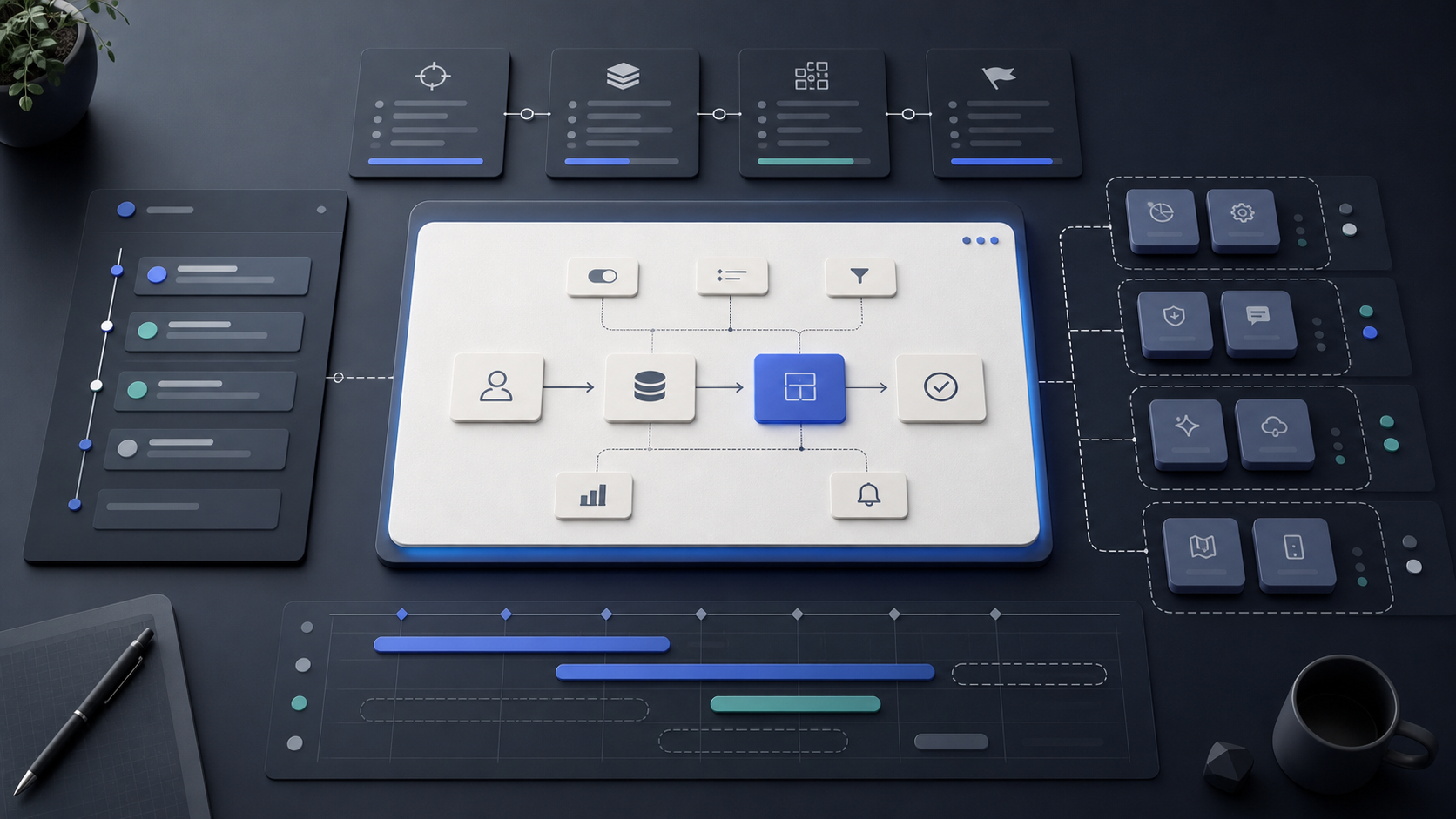
Custom software projects usually start with a long list of ideas. Some are essential, some are useful later, and some are reactions to frustrations in the current workflow. The hard part is not collecting requirements. The hard part is deciding what deserves to be built first.
Overbuilding happens when every possible feature is treated as equally important. The project becomes slower, more expensive, and harder to validate. A better scope starts with the business process that needs to improve and works backward from the outcome.
The goal of a first build is not to create the final platform. It is to ship the smallest complete workflow that users can rely on and the business can learn from.
A good scope is not the biggest version of the idea. It is the smallest version that proves the workflow.
Define the core workflow
Start by writing down the workflow in plain language. What triggers the process? Who is involved? What information is needed? What decision or action marks the work as complete?
For an internal operations tool, the core workflow might be intake, review, approval, assignment, and reporting. For a customer platform, it might be discovery, request, confirmation, payment, and follow-up.
If a feature does not directly support that first workflow, it probably belongs in a later phase.
Separate must-have from nice-to-have
A useful scoping exercise is to label each feature by consequence. What breaks if this is missing? What becomes slower but still workable? What simply makes the experience nicer?
Must-have features are the ones required for the workflow to function safely and completely. Nice-to-have features improve polish, automation, or convenience, but the product can still be useful without them.
This distinction keeps the build honest. It also makes tradeoffs easier when timelines or budgets need protection.
Build around decisions, not screens
Teams often scope software as a list of screens: dashboard, profile page, settings, reports, admin panel. Screens matter, but decisions matter more.
Ask what each user needs to decide or complete on each screen. If the answer is unclear, the screen may be unnecessary or underdefined. If the decision is clear, the interface can be simpler and more focused.
This approach prevents the product from becoming a collection of pages that look complete but do not actually move work forward.
Plan phases before adding features
A strong scope does not ignore future needs. It gives them a place. Phase one should prove the workflow. Phase two can automate more edge cases, deepen reporting, improve permissions, or connect additional systems.
This is different from cutting corners. The architecture should still leave room for the future, but the user-facing surface should stay focused on what needs to ship now.
When phases are clear, everyone understands what is being built, what is intentionally deferred, and why.
Use launch as a learning point
The first release should create evidence. Are users completing the workflow? Where do they hesitate? Which manual steps still take too long? Which reports or approvals are actually used?
Those answers are more valuable than assumptions made before launch. They help the next phase become sharper instead of larger.
The best custom software builds grow from a working core, not from a bloated first version.
Amsten Team
Written from the field by the Amsten team.